Join the Holla App Me Now Community
Join the Holla App Me Now: If you’re new to Holla App – Free Live Video Call App, this guide will walk you through downloading, installing, and preparing the app for your first live connection.
No confusion. No tech jargon. Just clear steps.
Step 1: Choose Your Device – Join the Holla App Me Now
Holla App works on:
Make sure your device:
- Has a stable internet connection (WiFi or 4G/5G)
- Has at least 200MB of free storage
- Is running an updated operating system
Live video apps require stable performance — older devices may work but could experience reduced quality.
Step 2: Download the Holla App Me or Join the Holla App Me Now
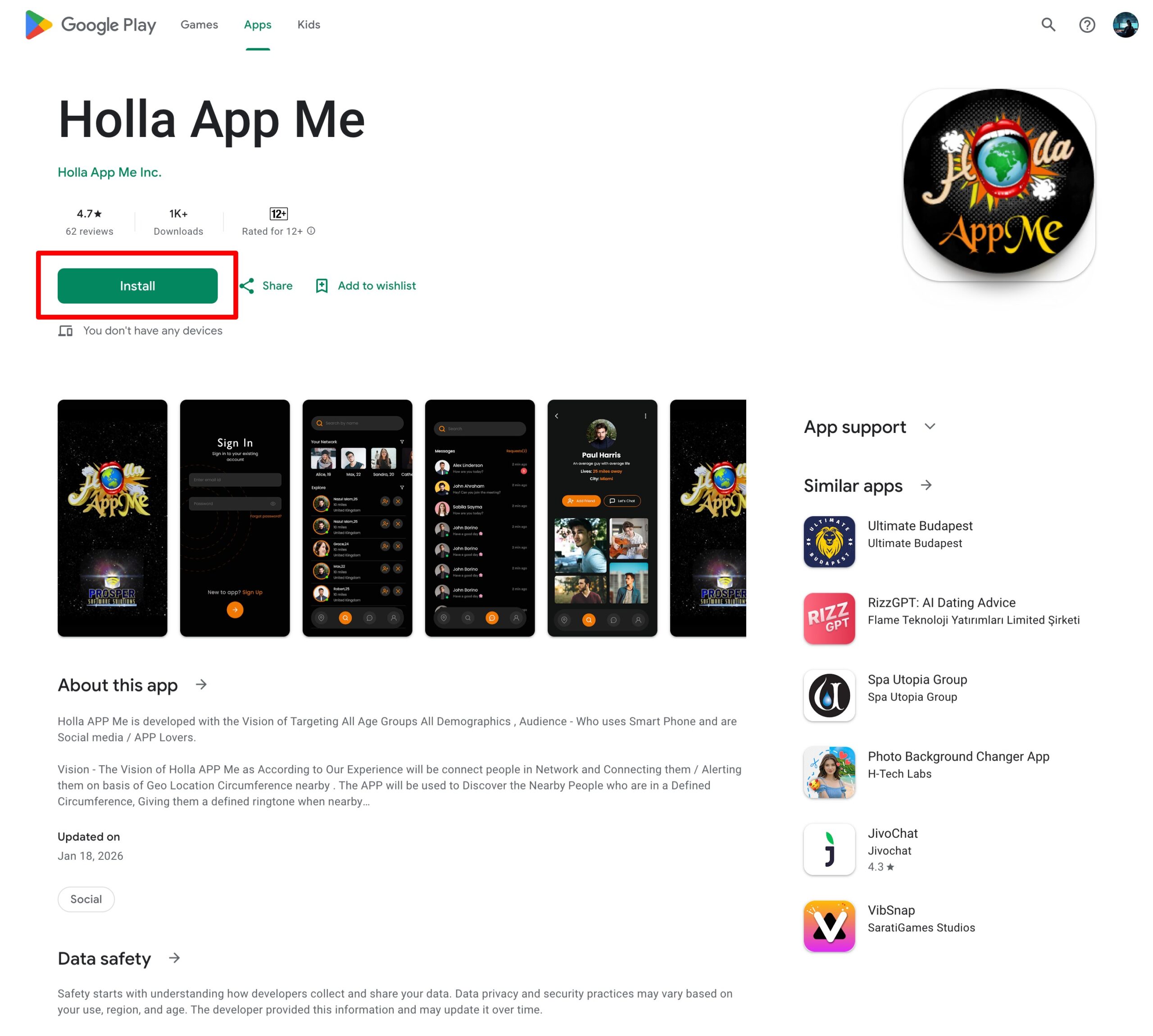
For Android Users download from Google Play Store
- Open Google Play Store.
- Search for Holla App Me.
- Tap Install.
- Wait for download to complete.
Always download from the official store to ensure security and latest updates.
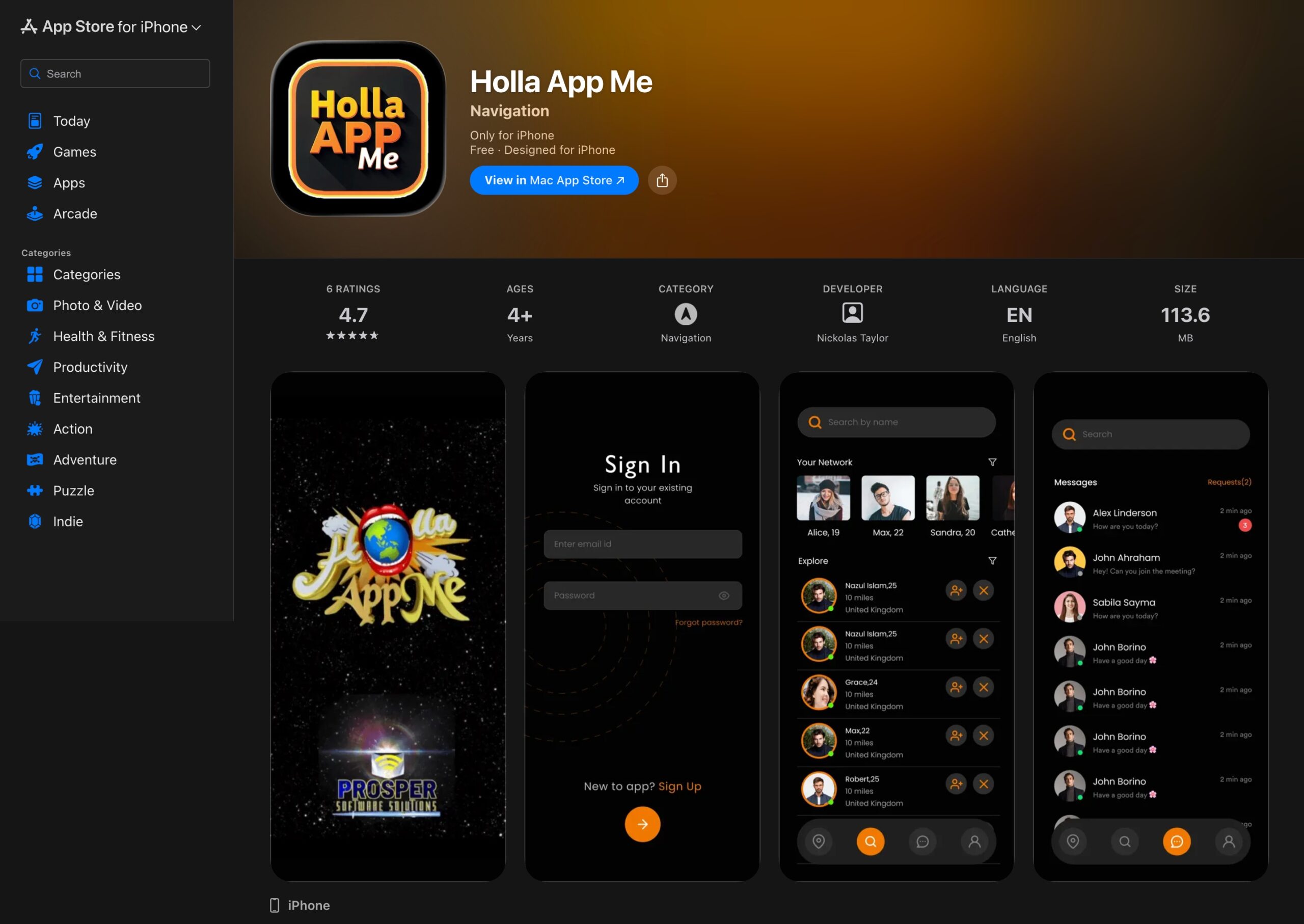
For iPhone Users download from Apple App Store
- Open the App Store.
- Search for Holla App Me.
- Tap Get.
- Authenticate with Face ID / Touch ID if required.
Never install unofficial APK files. Security first.
Open & Join the Holla App Me Web Platform
To access the web version:
-
Open your browser.
-
Go to https://hollaappmenow.com.
-
Wait for the homepage to load.
You will see the Holla App welcome screen, where you can start creating your account or logging in.
Using the web version means you don’t need to install any app. Everything runs directly in your browser.
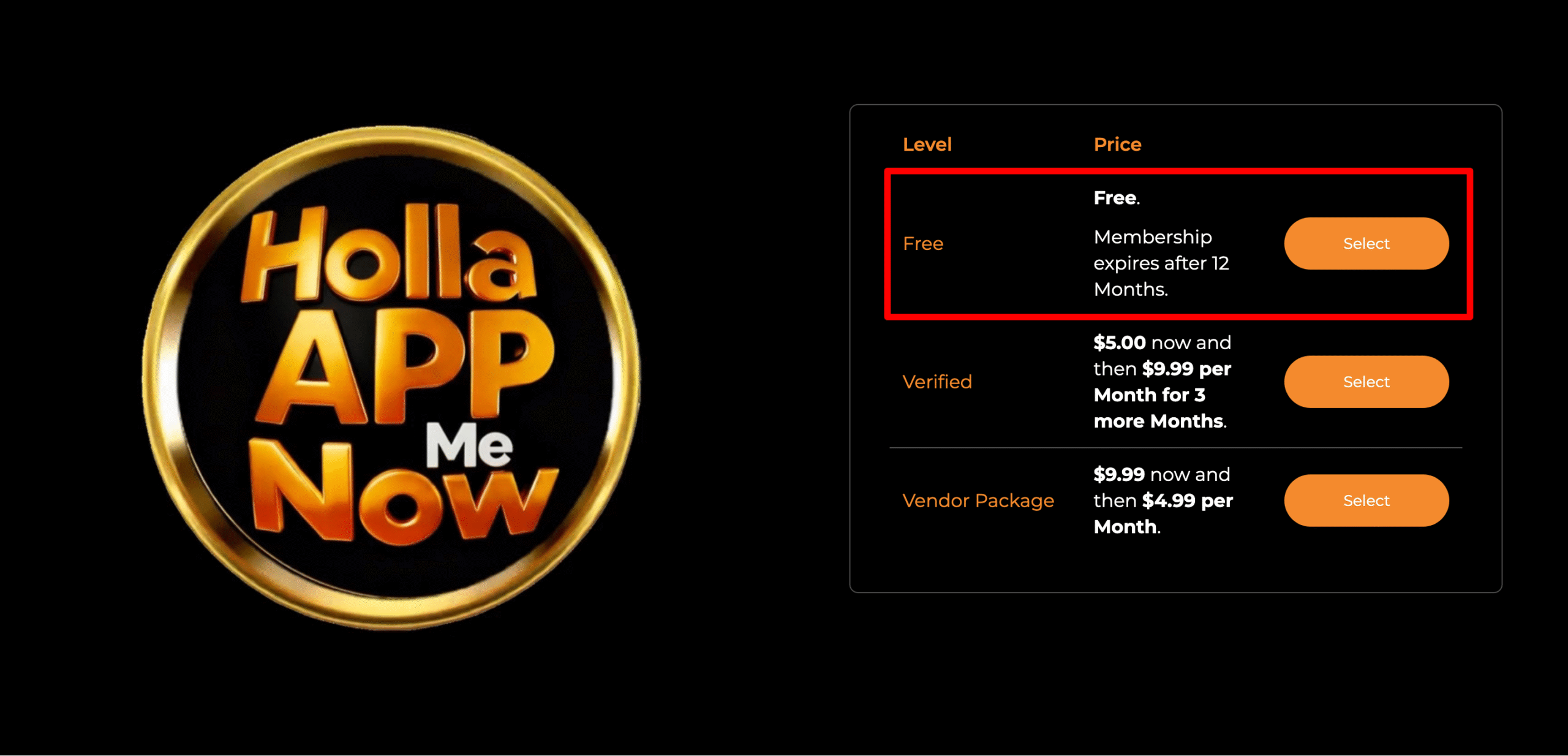
Step 3: Select Your Membership Level – Join the Holla App Me Now
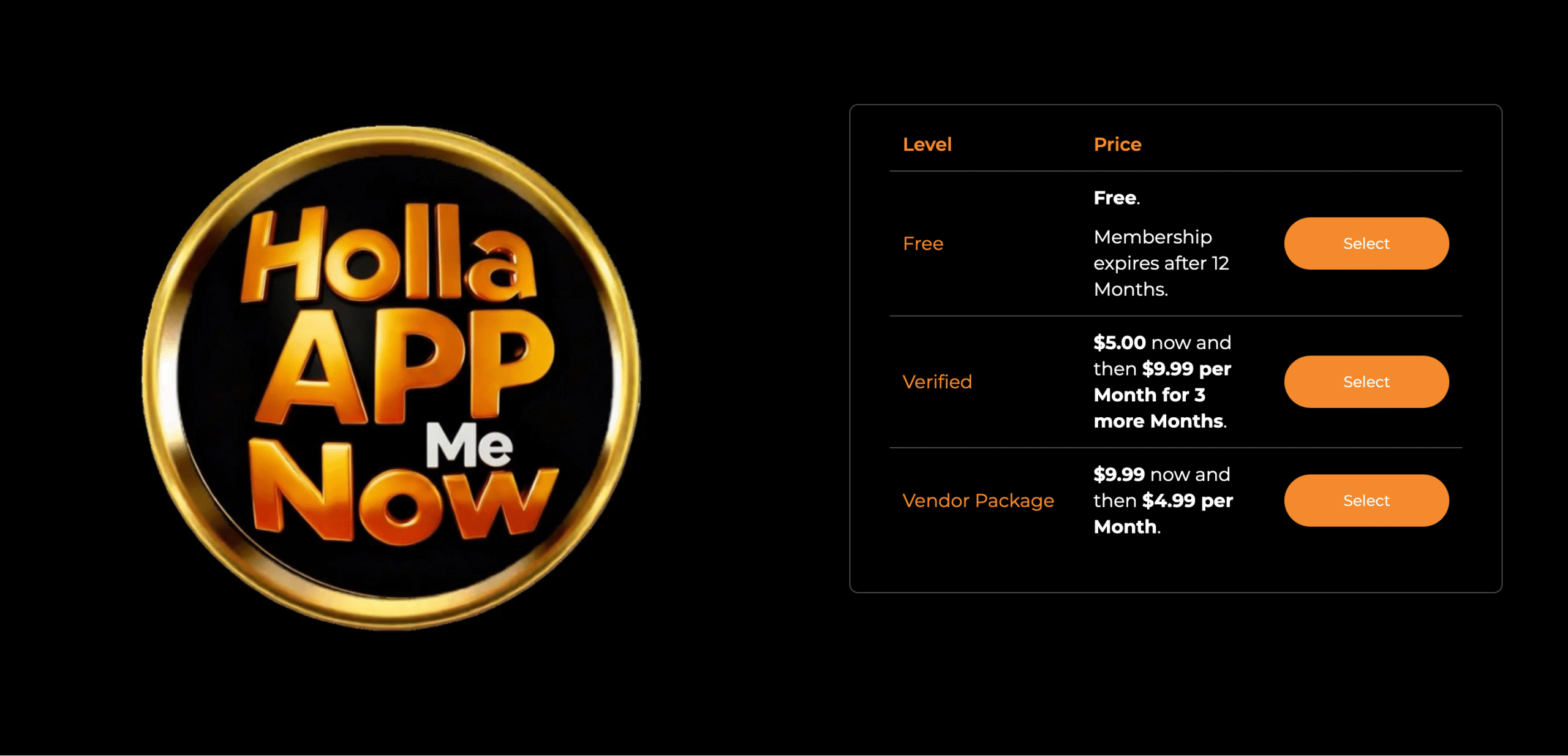
The first step is choosing the plan that fits your needs. Navigate to the Membership Packages section.
-
Free Plan: Includes profile creation, media posting, and connection requests. It expires after 12 months.
-
Verified/Vendor Plans: Offer advanced features like verified badges and selling tools for a small fee.
-
Action: Click the orange “Select” button next to your preferred level (the Free level is a great place to start).
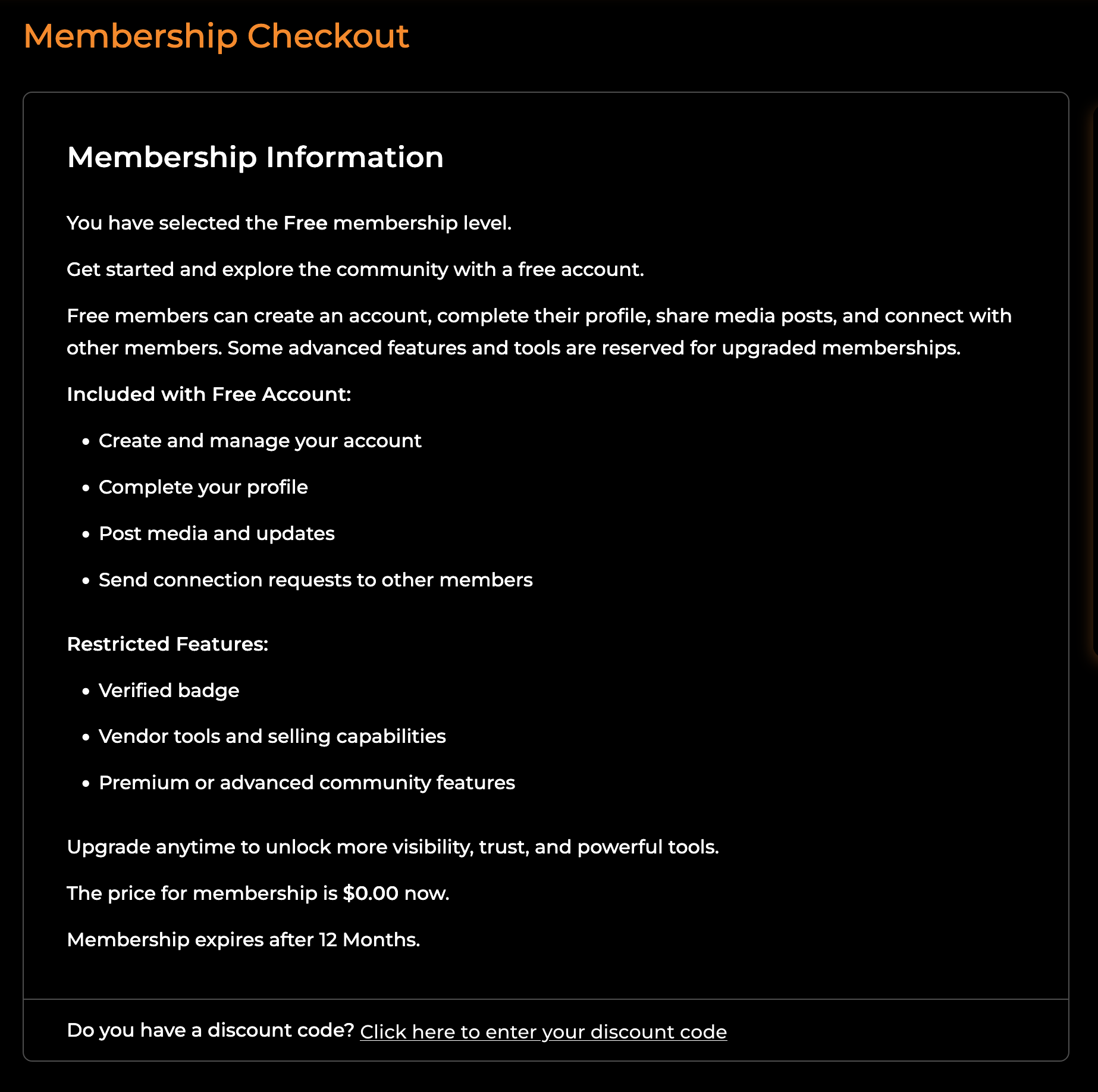
Step 4: Review Membership Details – Join the Holla App Me Now
Once selected, you will see the Membership Checkout page. Review what is included in your chosen plan.
-
Check the “Included” list to see your perks.
-
Check the “Restricted” list for features that require an upgrade.
-
Note: If you have a discount code for a paid plan, click the link at the bottom to enter it.
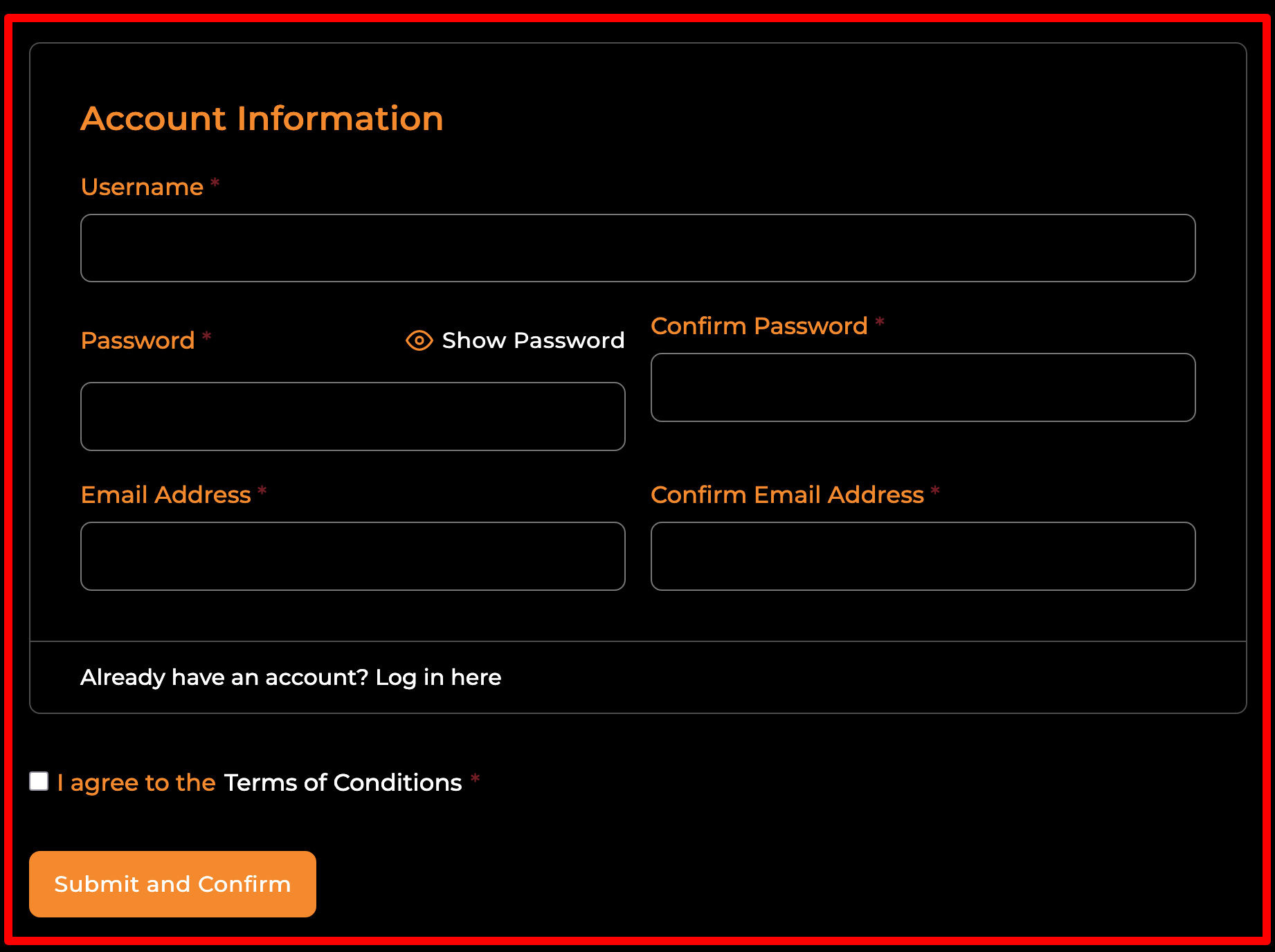
Step 5: Fill Out Account Information – Join the Holla App Me Now
You will be directed to the Account Information form. You need to provide the following:
-
Username: Choose a unique name for your profile.
-
Password: Enter a secure password and confirm it in the second box.
-
Email Address: Enter your Gmail or preferred email and confirm it.
-
Terms: Check the box next to “I agree to the Terms of Conditions.”
-
Action: Click the orange “Submit and Confirm” button.
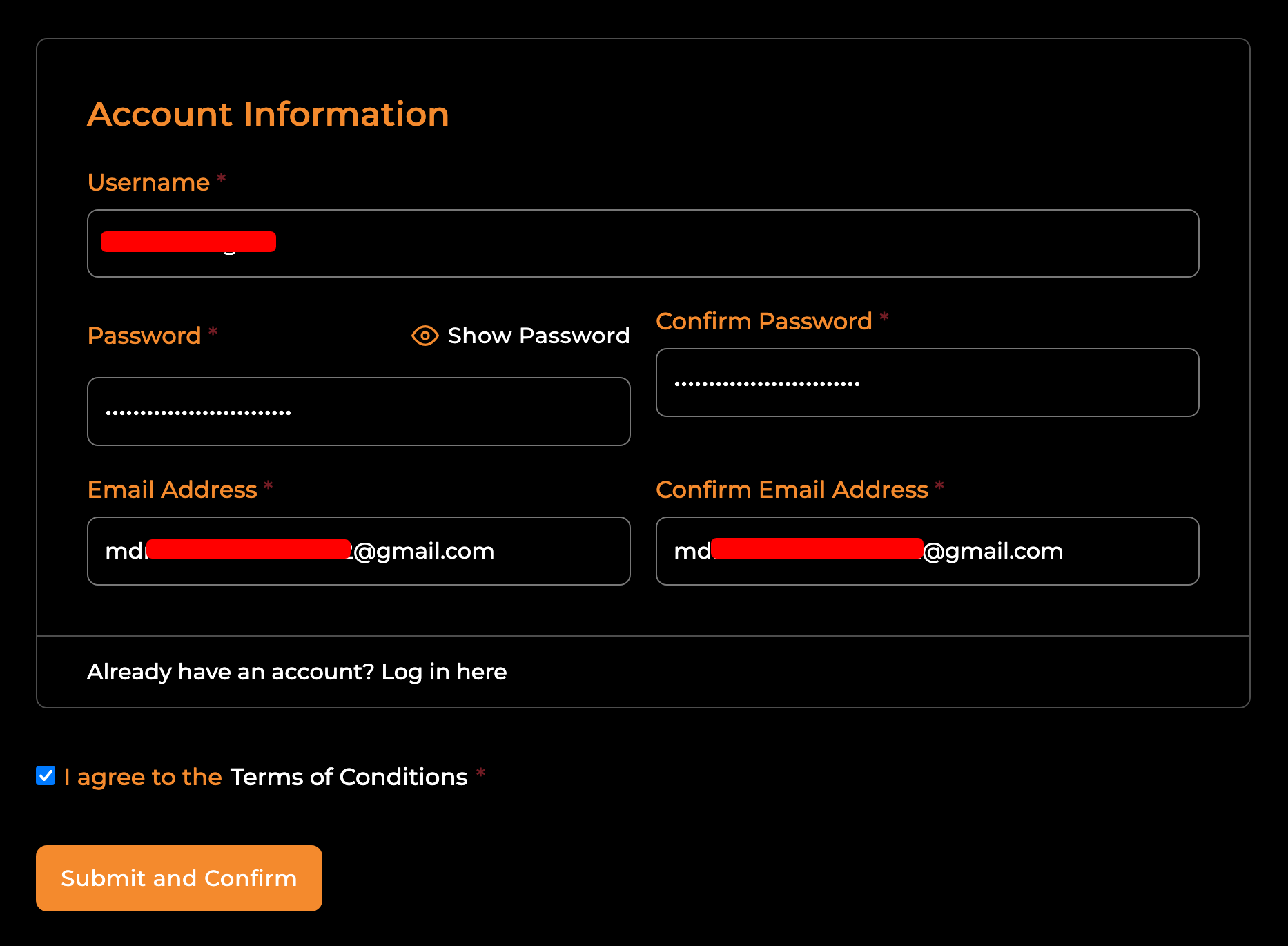
Step 6: Verify Your Email – Join the Holla App Me Now
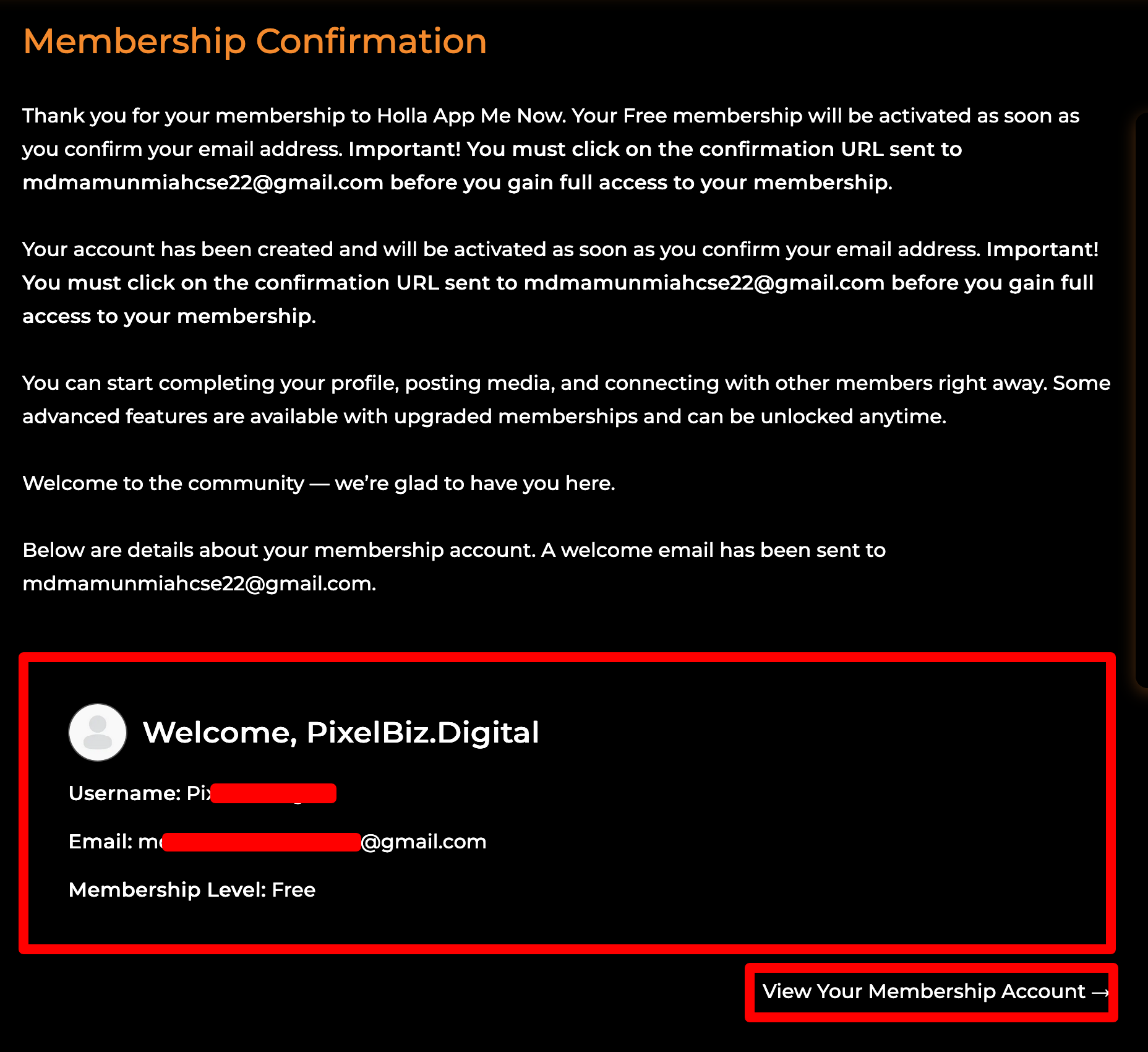
After submitting your details, you will see a Membership Confirmation screen.
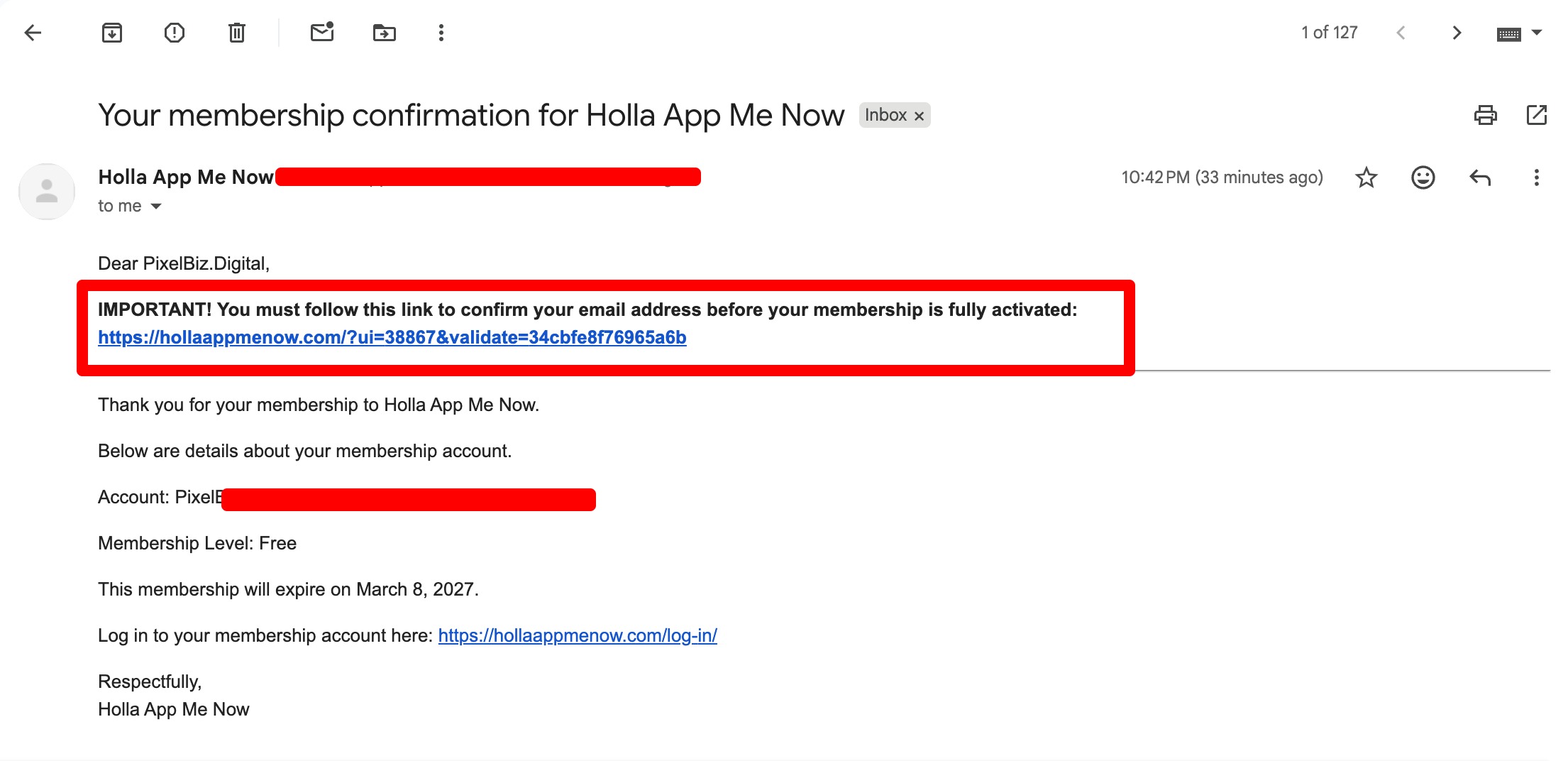
Important: Your account is not active yet! You must check the inbox of the email address you provided. Look for a message from Holla App Me Now and click the confirmation URL inside the email to gain full access.
Step 7: Access Your Account – Join the Holla App Me Now
Once you’ve clicked the link in your email, your account is live! You can now click “View Your Membership Account” on the confirmation page to:
-
Complete your profile.
-
Post media and updates.
-
Connect with other community members.
If problems continue, contact form or support via:
info@hollaapp.me
support@hollaapp.me
